CAD Guardian helps engineering and manufacturing teams automate CAD work, connect technical systems, and make critical delivery workflows easier to own.
Loading page
CAD platform
Automate AutoCAD work while preserving the standards operators trust.
CAD Guardian builds and modernizes AutoCAD workflows across DWG data, drawing standards, commands, batch work, documents, and maintainable AutoLISP or .NET delivery.
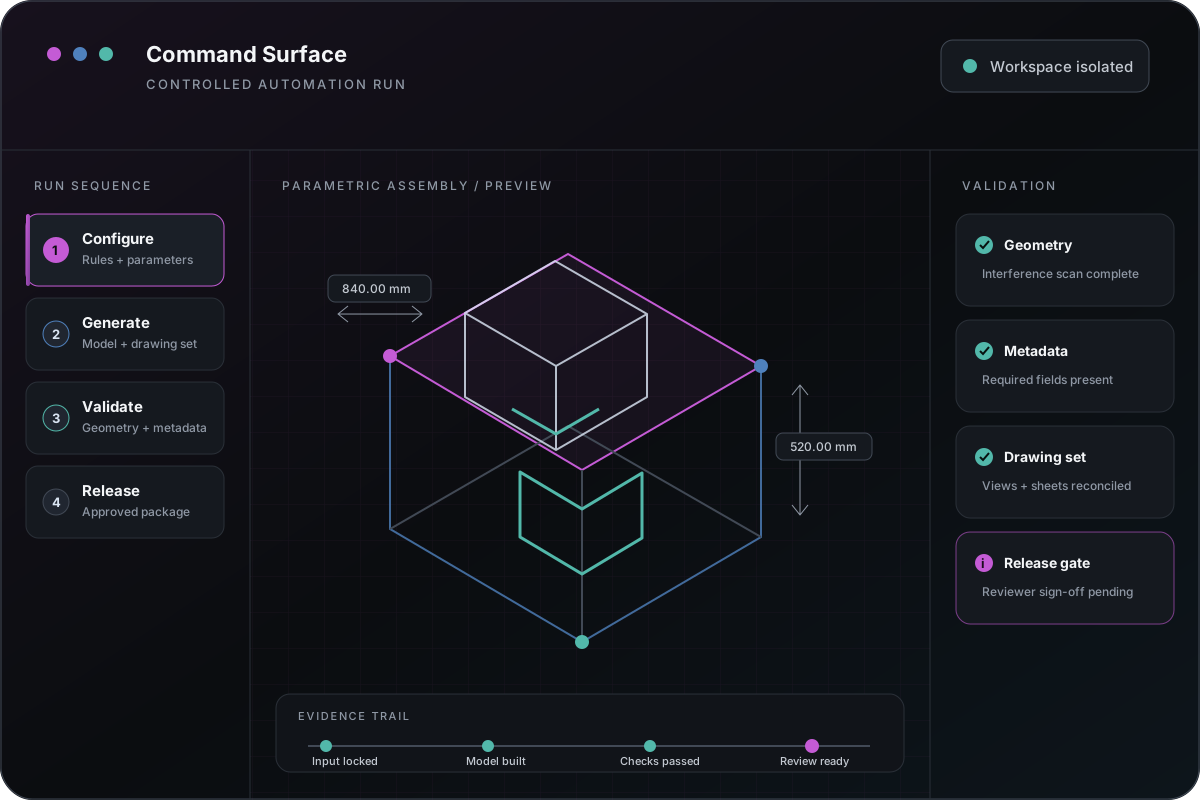
A representative operating model for keeping commands, rules, exceptions, review, and release evidence visible.
Platform fit
Best when repeated DWG work has visible rules and measurable output.
AutoCAD is a strong automation surface when the team can name the drawing objects, standards, operator decisions, and downstream outputs that must remain dependable.
Repeated drafting, annotation, property, or standards work
Block, attribute, layer, title-block, layout, and plotting workflows
Drawing data extraction, validation, comparison, and reporting
Legacy AutoLISP, VBA, scripts, or .NET add-ins that need supportable ownership
Capabilities
Implementation follows the drawing contract rather than a command list.
AutoLISP and C#/.NET command development
DWG object, property, block, attribute, and layer automation
Standards checks, batch processing, plotting, exports, and package creation
Desktop interfaces, configuration, logging, and operator feedback
Deployment packaging, version checks, diagnostics, and rollback guidance
Integration
AutoCAD work can connect to records beyond the drawing.
PDM, document-management, ERP, estimating, and reporting handoff
REST APIs, SQL, files, spreadsheets, and controlled import/export contracts
Drawing metadata mapped to project, asset, product, or quote records
PDF, DXF, data extract, transmittal, and downstream package workflows
Modernization
Preserve trusted behavior while reducing support risk.
01 — Inventory commands, dependencies, drawings, and deployment assumptions.
02 — Capture accepted outputs and failure cases before changing code.
03 — Separate drawing logic, configuration, UI, logging, and external integration.
04 — Validate parity in the target AutoCAD environment.
05 — Release with rollback, diagnostics, documentation, and an owner.
Relevant implementation
Evidence should show drawing behavior, not expose customer drawings.
Relevant public evidence uses generalized workflow patterns and controlled fixtures. Private drawing review begins only after scope, confidentiality, runtime, and validation responsibilities are agreed.
Start with the business pressure and result, then open the technical appendix when your team needs implementation depth.
Engineering systems implementationManufacturing
Turn quoting into a governed path from RFQ intake to engineering handoff.
The problem was not simply replacing Excel. The useful rules and operator knowledge had to survive while request quality, configuration state, documents, status, and responsibility became easier to inspect.
Native execution and private drawings require the appropriate environment.
public demonstrations can demonstrate architecture, fixtures, and deterministic validation. Production claims require the licensed AutoCAD version, representative drawings, dependencies, and deployment context used by the operating team.
Object-model and runtime behavior can vary by AutoCAD release and vertical product