AI-assisted engineering
Rapid ASCII Application Blueprinting for Engineering Automation
Shows how ASCII blueprints help AI-assisted teams reason about product structure, user flows, data, and decisions without heavy design overhead.
ContentsJump sections
Evaluation note
Shows how ASCII blueprints help AI-assisted teams reason about product structure, user flows, data, and decisions without heavy design overhead. Use it as a practical routing note: what problem is being described, what infrastructure is required, what guardrails matter, and what proof a buyer or hiring manager should ask to see.
CAD Guardian field context
This article is about making software intention visible before the codebase absorbs it. Plain-text blueprints are useful because humans, agents, and review tools can all inspect the structure before implementation starts.
- Usefulness: turns scattered expertise into reusable decisions, plans, checklists, code reviews, media, and evidence without removing human accountability.
- Infrastructure: clear prompts, source boundaries, approved tools, private-data rules, model selection, review loops, and artifact-based validation.
- Guardrails: least-privilege access, private-data minimization, approved AI-use boundaries, test data, UAT, runtime proof, and written acceptance criteria.
- Who benefits: lean engineering teams, CAD automation developers, technical peers, operators, and buyers trying to understand what AI systems are doing.
Rapid ASCII Application Blueprinting Framework (RABF)
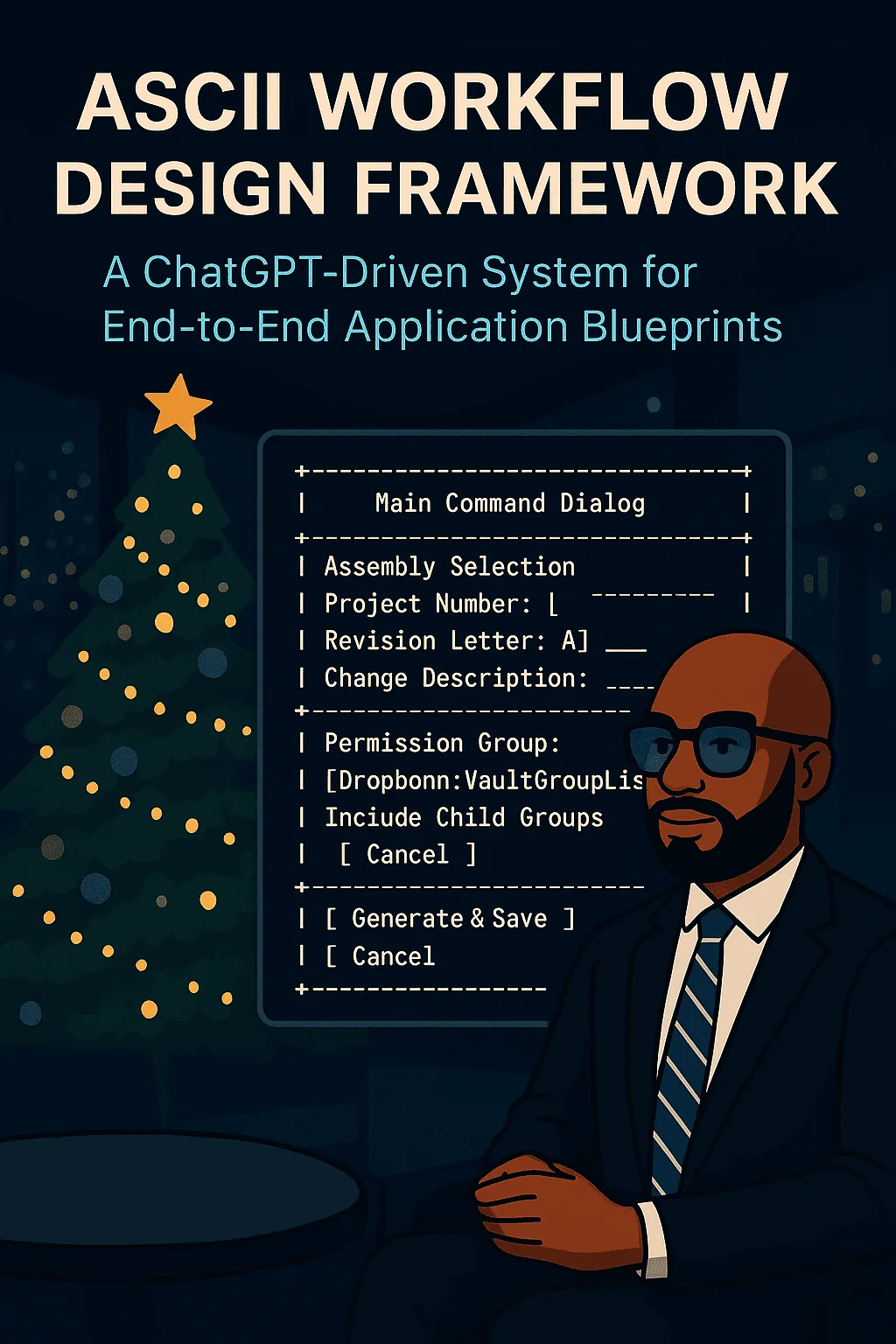
Designing End-to-End App Workflows with ChatGPT Using ASCII Screens
A Complete Workflow-Driven Approach for CAD, Engineering, and Product Teams
Engineering teams lose enormous time translating business requirements into UI screens, data models, workflows, and system logic. Traditional UI/UX processes (whiteboards, hand sketches, static wireframes) slow down momentum, create ambiguity, and often fail to reach developers with clarity.
A modern alternative is emerging: using ChatGPT to design applications end-to-end through ASCII screen prompts.
This article shows you how to use ChatGPT to:
- Generate a workflow blueprint
- Produce ASCII screen mockups for every required step
- Define UI controls, inputs, validation, and events
- Output data structures, collections, and API calls
- Map everything to a real engineering context
- Deliver developer-ready specifications in minutes
This process is fast, iterative, and fully compatible with Autodesk Inventor, Autodesk Vault, .NET, web apps, and cross-platform tools.
Why ASCII Screens Work
ASCII screen wireframes are extremely powerful for early-stage design:
- Zero ambiguity
- Fast to iterate
- Platform-agnostic
- Developer-friendly
- Easy to version control
- Perfect for ChatGPT prompt-driven systems
They are efficient enough for rapid iterations yet structured enough for engineering teams to immediately convert into UI code.
What You Will Build
Using the workflow in this article, you will create:
- A ChatGPT prompt that generates ASCII mockups for every screen
- A consistent UI/UX structure across mobile, desktop, and cross-platform systems
- A blueprint covering controls, events, validation rules, and transitions
- Data structures for all entities
- A complete functional workflow
- A technical spec suitable for GitHub, engineering review, or onboarding
- A linkable developer-friendly document (GitHub Pages recommended)
The ASCII Workflow Prompt System
Below are the three prompt variants your reader will choose from.
These correspond to real-world product categories:
- A: Cross-platform apps (desktop, web, mobile)
- B: Mobile-only (iOS, Android, iPadOS)
- C: Desktop-only (CAD plugins, Windows tools)
Each prompt instructs ChatGPT to produce ASCII screens, UI controls, data structures, workflows, and integration logic.
This is ideal for applications expected to run everywhere.
You are a senior software architect. Generate a complete end-to-end workflow design for an application.
1. Provide ASCII screen mockups (one per screen).2. List all UI controls per screen (buttons, fields, dropdowns).3. Provide full data models in JSON or C#.4. Define collections needed.5. Define workflow transitions and events.6. Define permission logic.7. Define API/SDK integration points.8. Define validation and error handling.9. Define output actions.10. Add notes for developers.Best for smartphone or tablet form factors.
You are a senior software architect. Generate a mobile-first workflow design for an application.
1. Provide vertically stacked mobile-style ASCII screens.2. List UI controls and mobile layout patterns.3. Provide data models (JSON or C#).4. Define collections needed.5. Define transitions, navigation patterns, modals.6. Define permission logic.7. Define API calls and responses.8. Define validation and mobile error handling.9. Define output actions.10. Add notes for mobile developers.Best for CAD automation, engineering tools, or Windows desktop applications.
You are a senior software architect. Generate a desktop workflow spec for an application embedded in a host software (e.g., Inventor).
1. Provide ASCII dialog windows and layouts.2. List UI controls with exact placement.3. Provide C#-style data models.4. Define collections needed.5. Define desktop workflow transitions.6. Define permission logic (Vault groups).7. Define integration points for Inventor and Vault SDK.8. Define validation and desktop error handling.9. Define output actions (export PDF, update metadata).10. Add constraints and developer notes.Reader Poll
For your application, which environment are you designing for?
- A: Cross-platform (desktop + mobile + web)
- B: Mobile-only
- C: Desktop-only (CAD tools, Inventor/Vault integrations)
Choose one, copy the corresponding prompt, and paste it into ChatGPT along with your requirements.
Requirements Checklist for the Reader
Before using the prompt, the reader must supply:
Business workflow goal
Example:
“User selects an assembly, enters metadata, exports a PDF, and updates Vault properties.”
Required fields
Project Number
Revision Letter
Change Description
Metadata sets
Naming convention rules
Output PDF format
Folder paths
Vault version handling
Permission rules
Vault group
Child group inheritance
Access restrictions
Technical environment
Desktop (e.g., Inventor 2025)
Mobile
Cross-platform
.NET version
SDK version
API integration endpoints
Internal metadata API
Vault 2025 SDK
Inventor API
Any internal REST endpoints
The more detail the reader provides, the sharper the ChatGPT-generated spec will be.
Real-World Example: Autodesk Inventor + Vault 2025 Workflow
Below is an example of how this system applies in engineering automation.
Scenario
A user clicks a custom ribbon button in Autodesk Inventor 2025.
The system opens a desktop window that collects:
- Assembly selection
- Metadata
- Project number
- Revision
- Change description
- Vault permission group
Then, after submission, it:
- Exports a PDF of the active assembly
- Names it according to a standard
- Checks Vault group and sub-group permissions
- Updates metadata
- Saves or checks in the new version
- Calls an internal API for metadata storage
- Returns success or error states
All of this can be specified in detail using Prompt C.
Readers are encouraged to reference the official docs:
- Autodesk Inventor API overview https://help.autodesk.com/view/INVNTOR/2025/ENU/
- Autodesk Vault SDK documentation https://www.autodesk.com/support/technical/article/caas/sfdcarticles/sfdcarticles/Where-to-find-developer-documentation-on-Vault-SDK-and-API.html
These links ensure readers never get stuck during implementation.
How to use this article
Use this as a working lens for AI-assisted engineering workflows, intent capture, and tool-using delivery systems. If the problem is a W2 leadership evaluation, route it through TSmithCode proof. If the problem is a scoped automation, CAD platform, data, or delivery engagement, route it through CAD Guardian so the first phase has clear boundaries, acceptance evidence, and a handoff path.